
From DDR3 to DDR5: How Computer Memory Evolved Over a Decade
Where does some of that information go while your computer is running?
It is stored temporarily in Random Access Memory (RAM).
RAM is one of the most important components in a computer. It provides the processor with fast access to the data and instructions it needs to work. Without sufficient memory, even a computer with a powerful processor and graphics card can struggle.
Over the years, RAM technology has evolved considerably. We moved from DDR3 to DDR4 and eventually DDR5, with every generation introducing improvements in speed, bandwidth, power efficiency, capacity and architecture.
Let's explore how this technology evolved and what it means for ordinary PC users and hardcore gamers.
- What is RAM and why does your computer need it?
Before comparing DDR3, DDR4 and DDR5, it is important to understand what RAM actually does.
RAM stands for Random Access Memory. It is the computer's temporary working memory.
Imagine your computer is an office.
The CPU is the employee doing the work.
The RAM is the desk where the employee keeps documents currently being used.
The SSD or HDD is the filing cabinet where documents are stored permanently.
When you open a program, Windows loads the necessary information from your storage drive into RAM so the processor can access it quickly.
When you open more applications, the computer needs more working space.
This is why having sufficient RAM makes multitasking smoother.
For example, imagine opening Google Chrome with several tabs, Microsoft Word, Spotify and another application. All these programs use system memory.
When your RAM becomes insufficient, Windows may start moving less frequently used data between RAM and your storage drive. This is called paging.
An SSD is much faster than an old mechanical hard drive, but it is still considerably slower than RAM.
This is one reason why upgrading memory can sometimes make an older computer feel noticeably faster.
- The evolution of DDR memory
DDR stands for Double Data Rate.
The technology transfers data on both the rising and falling edges of the memory clock signal. This effectively doubles the data transfer rate compared with transferring data only once per clock cycle.
Over the years, DDR memory has evolved through several generations.
Here is a simplified timeline:
Memory generation
Introduction
Typical data rates
Voltage
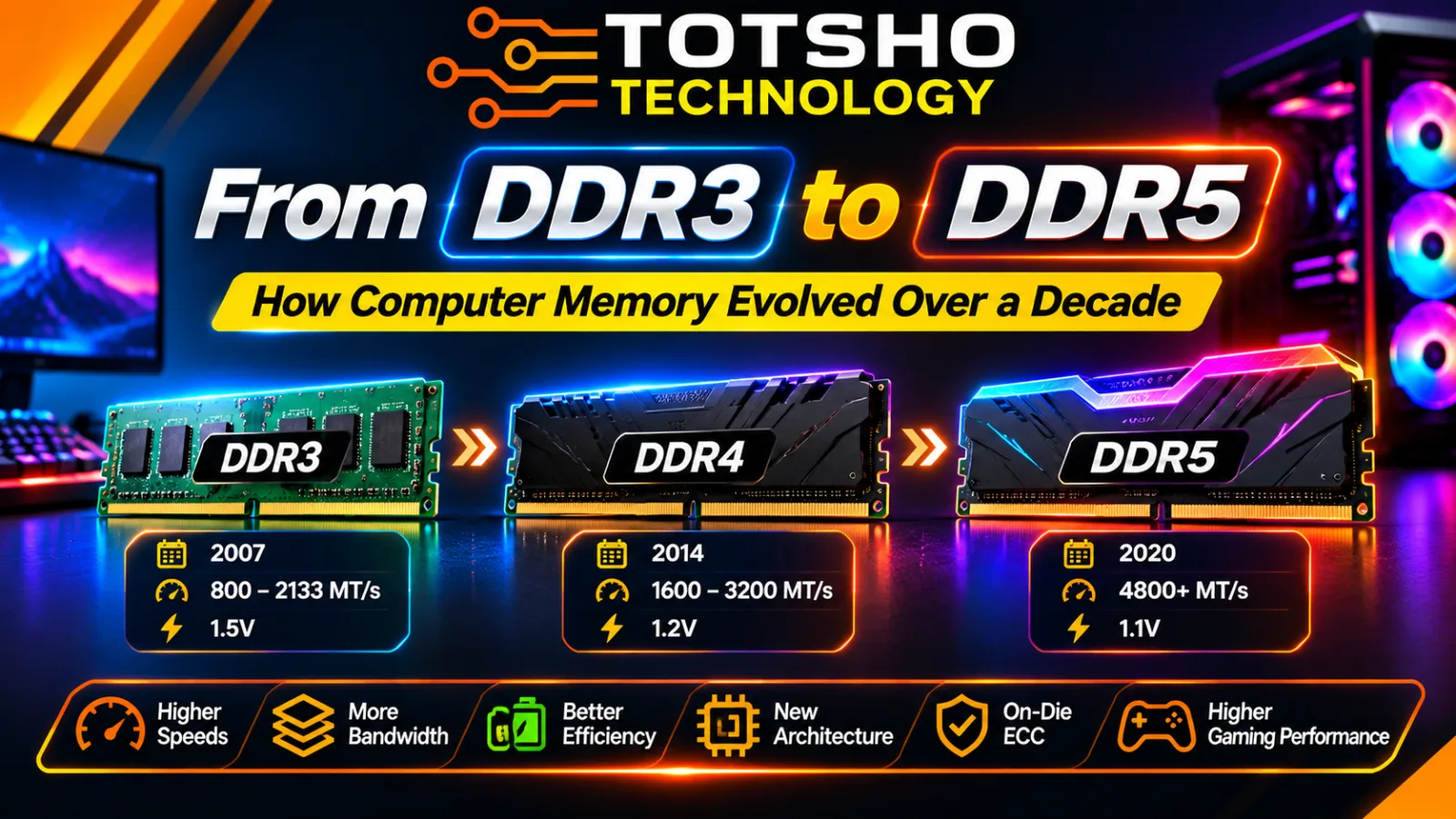
DDR3
2007
800–2133 MT/s
1.5V
DDR4
2014
1600–3200 MT/s
1.2V
DDR5
2020
Started at 4800 MT/s
1.1V
These are representative standard data rates, not the maximum speeds available from every memory kit. Newer DDR5 specifications and performance profiles extend beyond the original launch speeds.
The transition from DDR3 to DDR5 took more than a decade, with each generation introducing significant improvements.
- DDR3: The memory generation that powered a generation of PCs
DDR3 was introduced in 2007 and became widely used in desktop computers, laptops and workstations.
For many years, DDR3 was the standard choice for everyday computing and gaming.
You would commonly find DDR3 memory in computers running processors such as:
Intel Core i3, i5 and i7 from several older generations.
AMD Phenom II processors.
AMD FX-series processors.
Selected older Intel Xeon systems.
DDR3 commonly operated at 1.5V, although DDR3L versions operated at a lower 1.35V.
Common data rates included DDR3-1333 and DDR3-1600, with faster versions reaching DDR3-2133.
What could DDR3 do?
At the time, DDR3 offered enough performance for everyday computing, office applications, internet browsing and many popular PC games.
A gaming PC with 8GB or 16GB of DDR3 could provide a good experience with games designed for that generation of hardware.
However, modern applications and games increasingly demand more memory capacity and bandwidth.
DDR3 is now mainly relevant for maintaining and upgrading older computers.
Interesting fact: A computer with DDR3 memory cannot simply be upgraded to DDR4 or DDR5 by replacing the RAM sticks. The motherboard and processor platform must support the newer memory generation.
- DDR4: Faster performance and improved efficiency
DDR4 arrived in 2014 and gradually replaced DDR3 in mainstream desktop computers.
It introduced several improvements, including:
Higher memory speeds.
Lower operating voltage.
Improved memory architecture.
Greater memory density.
Support for larger memory capacities.
DDR4 operates at a standard voltage of 1.2V, compared with the 1.5V commonly used by DDR3.
Common DDR4 speeds include:
DDR4-2133
DDR4-2400
DDR4-2666
DDR4-2933
DDR4-3200
You will also find enthusiast memory kits advertised at speeds such as 3600 MT/s and higher through memory overclocking profiles.
Why did DDR4 become so popular?
DDR4 offered a practical combination of performance, capacity and affordability.
It became widely used with processors such as:
Intel Core 6th to 11th Generation desktop processors, depending on platform.
Intel 12th, 13th and 14th Generation processors on compatible DDR4 motherboards.
AMD Ryzen 1000 to 5000 series processors on compatible AM4 motherboards.
DDR4 remains useful today for people who want to upgrade existing computers without replacing the entire platform.
For everyday users, 16GB or 32GB of DDR4 can still provide a comfortable computing experience.
For gamers, DDR4 can still deliver good results, although the performance gap compared with DDR5 depends on the processor, game and graphics settings.
- DDR5: The next generation of computer memory
DDR5 was introduced as a new memory standard in 2020, with compatible consumer PC platforms arriving in 2021.
It was developed to address the increasing memory bandwidth requirements of modern processors.
Today's CPUs have more cores and can process more information simultaneously. This increases the demand for fast memory.
DDR5 introduces several important architectural improvements.
Higher data transfer rates
DDR5 started at 4800 MT/s, already higher than the mainstream DDR4 standard speed of 3200 MT/s.
Modern DDR5 memory kits are available at considerably higher speeds, including 5600, 6000, 6400 and beyond.
For example, a DDR5-6000 memory kit transfers data at 6000 million transfers per second.
This additional bandwidth can help processors access data more efficiently, particularly in memory-intensive workloads.
Lower operating voltage
DDR5 operates at a nominal voltage of 1.1V, compared with DDR4's 1.2V.
That is another improvement in memory power efficiency.
Power Management IC (PMIC)
One major architectural change is the introduction of the Power Management Integrated Circuit (PMIC) on the DDR5 memory module.
With DDR4, power management is handled primarily by the motherboard.
DDR5 moves important voltage regulation functions onto the memory module itself.
This allows more localised control over memory power delivery.
Two 32-bit subchannels
DDR4 desktop memory modules use a 64-bit data channel.
DDR5 modules divide that interface into two independent 32-bit subchannels.
The combined data width remains 64 bits, but the two subchannels can handle separate memory requests more efficiently.
DDR5 also doubles the burst length from 8 to 16.
These architectural changes help improve memory efficiency and bandwidth.
- DDR5 and on-die ECC: An important improvement
One interesting DDR5 feature is On-Die Error Correction Code (ECC).
Memory cells can experience errors. These may be caused by electrical interference, physical characteristics of memory cells or other factors.
DDR5 incorporates error-correction circuitry inside its DRAM chips to detect and correct certain internal memory errors.
However, there is an important distinction.
On-die ECC is not the same as traditional system-level ECC memory.
On-die ECC helps correct errors within the DRAM chips, but it does not provide the same end-to-end error protection as a dedicated ECC memory system.
This distinction matters particularly in servers, workstations and mission-critical systems.
For ordinary gaming PCs, standard DDR5 memory is generally sufficient.
- DDR3 vs DDR4 vs DDR5: Side-by-side comparison
Let's put the three generations together.
Feature
DDR3
DDR4
DDR5
Introduction
2007
2014
2020
Common voltage
1.5V
1.2V
1.1V
Representative speeds
800–2133 MT/s
1600–3200 MT/s
4800 MT/s and above
Power management
Motherboard
Motherboard
On-module PMIC
Data channel design
64-bit
64-bit
2 × 32-bit subchannels
Burst length
BL8
BL8
BL16
On-die ECC
No
No
Yes
Main applications
Older desktops and laptops
Mainstream desktops and gaming PCs
Modern desktops and high-performance PCs
The most important difference is not simply the speed number. DDR5 also introduces architectural improvements designed to handle more demanding workloads.
- Does DDR5 actually improve gaming performance?
This is probably one of the biggest questions for gaming enthusiasts.
Does DDR5 give you more FPS?
The answer is yes, in some situations, but the improvement depends on the game and your hardware.
Memory bandwidth can influence how quickly the processor receives information from RAM.
This becomes important in CPU-intensive games, competitive titles and workloads that process large amounts of data.
Independent testing by TechSpot in its December 2025 DDR4 versus DDR5 gaming review found approximately 20% higher average performance in its particular 12-game test when comparing DDR5-6000 with DDR4-3600 on an Intel Core i5-12400F.
Another set of tests published by Tom's Hardware in 2026 found that DDR4 configurations performed approximately 9% to 14% slower on average than DDR5 across a selection of Intel LGA1700 processors.
These figures come from specific test configurations. They should not be interpreted as a guaranteed 20% FPS improvement for every computer or every game.
Why do some games benefit more than others?
Consider two types of games.
Competitive gaming
Games such as Counter-Strike 2 and other fast-paced competitive titles can be sensitive to CPU and memory performance, particularly when aiming for very high frame rates.
A faster memory configuration may help improve frame rates and consistency in CPU-limited situations.
Graphics-intensive gaming
In games where the graphics card is doing most of the work, the difference between DDR4 and DDR5 may be smaller.
For example, playing a demanding game at 4K resolution can place a much heavier workload on the graphics card.
In this situation, upgrading RAM alone may not produce a large increase in FPS.
The best gaming PC is a balanced system where the processor, graphics card and memory work together.
- What about casual PC users?
Not everyone uses a computer for gaming.
Some people use their PCs for:
Microsoft Word and Excel.
Web browsing.
Watching YouTube and streaming services.
Online meetings.
Email.
Programming.
General office work.
For these users, the benefits of DDR5 may be less noticeable during everyday activities.
For example, opening a document or browsing a website does not necessarily become dramatically faster simply because your computer uses DDR5 instead of DDR4.
In many everyday situations, having enough RAM is more important than having the newest memory generation.
An upgrade from 8GB to 16GB may make a greater practical difference to a multitasking user than moving from 16GB DDR4 to 16GB DDR5.
How much RAM do you need?
Here is a practical guide:
User type
Suggested capacity
Basic computer use
8–16GB
Office and multitasking
16GB
Everyday modern PC
16–32GB
Gaming PC
32GB
Gaming and streaming
32GB
Video editing and professional workloads
32–64GB or more
These are general recommendations. Actual requirements depend on the applications being used.
- Can you upgrade from DDR3 to DDR4 or DDR5?
This is where many PC owners become confused.
DDR3, DDR4 and DDR5 are not interchangeable.
They have different electrical requirements, signalling and physical connector key positions.
Even though the memory modules look similar, you cannot install DDR5 memory into a DDR4 motherboard.
You also cannot install DDR4 memory into a DDR3 motherboard.
What determines RAM compatibility?
Three important components determine what memory you can use:
Processor: Its memory controller must support the memory generation.
Motherboard: The motherboard must have the correct memory slots and electrical design.
BIOS and memory support: The motherboard must support the selected memory configuration and, where necessary, the required BIOS version.
For example:
AMD's AM4 platform uses DDR4, while its AM5 platform is designed for DDR5.
Intel's 12th, 13th and 14th Generation LGA1700 processors can support DDR4 or DDR5, but the specific motherboard must be designed for one generation or the other.
Intel's newer LGA1851 desktop platform uses DDR5.
Therefore, moving from DDR3 to DDR5 often requires replacing more than just the memory sticks. You may need a new motherboard and processor as well.
- DDR4 or DDR5: What should you buy in 2026?
If you already own a DDR4 computer, there is no automatic reason to replace everything.
An existing DDR4 system can still be useful for gaming, office work and general computing.
However, if you are building a new gaming PC from scratch, DDR5 is generally the better long-term choice.
Here is our recommendation:
Choose DDR3 if:
You are repairing or upgrading an older computer.
You need compatible replacement memory.
Your existing motherboard only supports DDR3.
Choose DDR4 if:
You already own a DDR4 motherboard.
You want to upgrade without replacing your CPU and motherboard.
You are building a budget system using a compatible DDR4 platform.
Choose DDR5 if:
You are building a new modern gaming PC.
You want higher memory bandwidth.
You are using a compatible modern Intel or AMD platform.
You want a newer platform with room for future upgrades.
For many gaming builds, 32GB of DDR5 using a suitable matched kit is a good starting target.
Remember to check the processor and motherboard memory specifications before purchasing.
Conclusion: From DDR3 to DDR5, computer memory has come a long way
The evolution from DDR3 to DDR5 shows how computer technology continues to improve.
DDR3 powered a generation of computers that handled everyday applications and gaming. DDR4 improved transfer rates, efficiency and capacity. DDR5 introduced even greater bandwidth, new memory architecture and improved power management.
For casual users, the most important thing is having enough memory for everyday applications.
For hardcore gamers, faster memory and greater bandwidth can help improve performance in demanding games, especially when paired with a capable processor.
At Totsho Technology, we believe building a good gaming PC is about choosing compatible components that work together.
Whether you are upgrading an older computer or building a powerful gaming machine, understanding RAM generations helps you make a better purchasing decision.
Ready to build or upgrade your PC?
Visit www.TotshoTech.co.za for PC components, memory upgrades, custom gaming PC builds and IT solutions.
Totsho Technology: Technology. Performance. Innovation.
More articles.
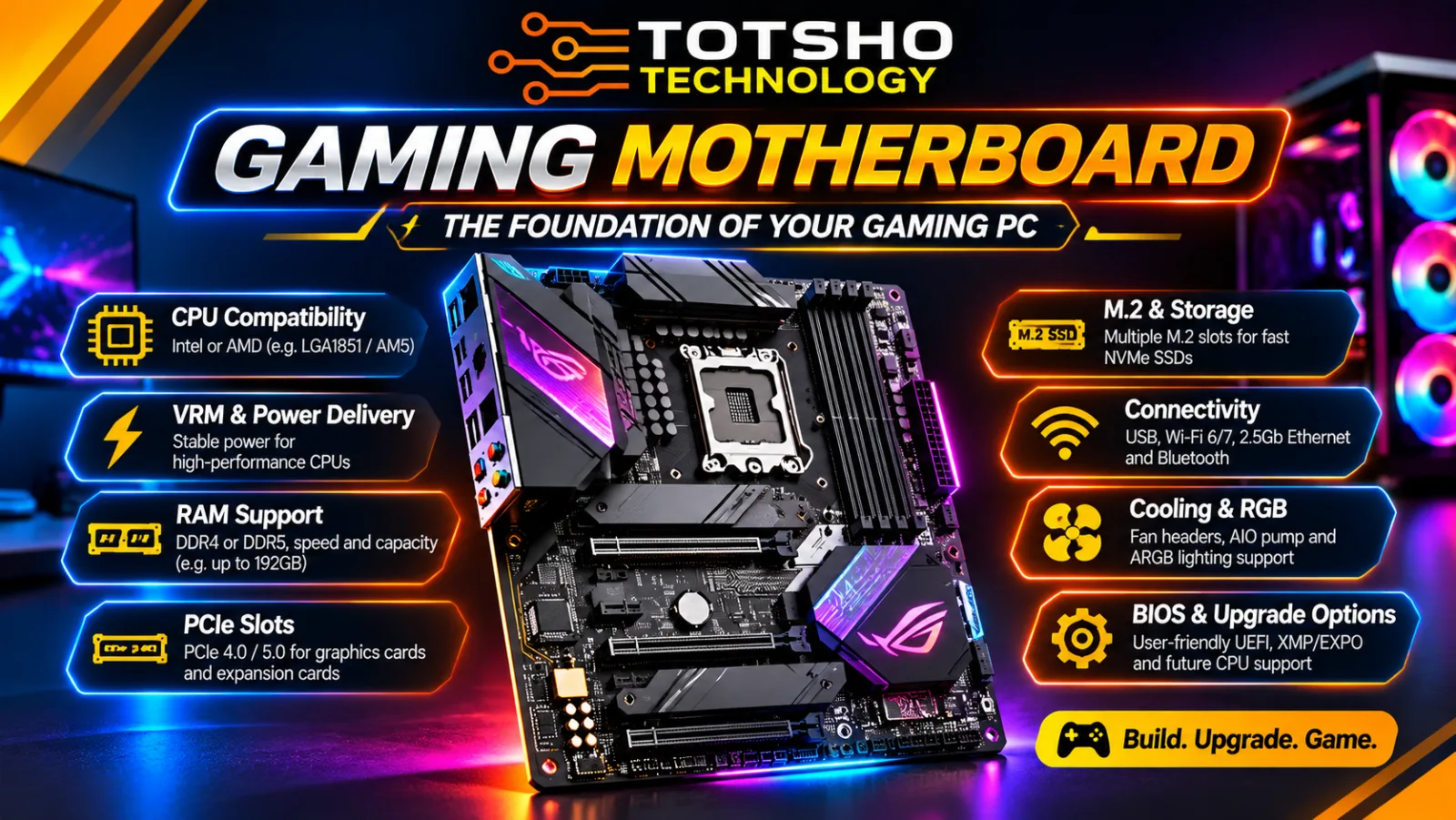
What to Look for in a Gaming Motherboard: 9 Essential Features
Choosing the right motherboard is one of the most important decisions when building a gaming PC. Here are nine essential features to consider before …
Read article →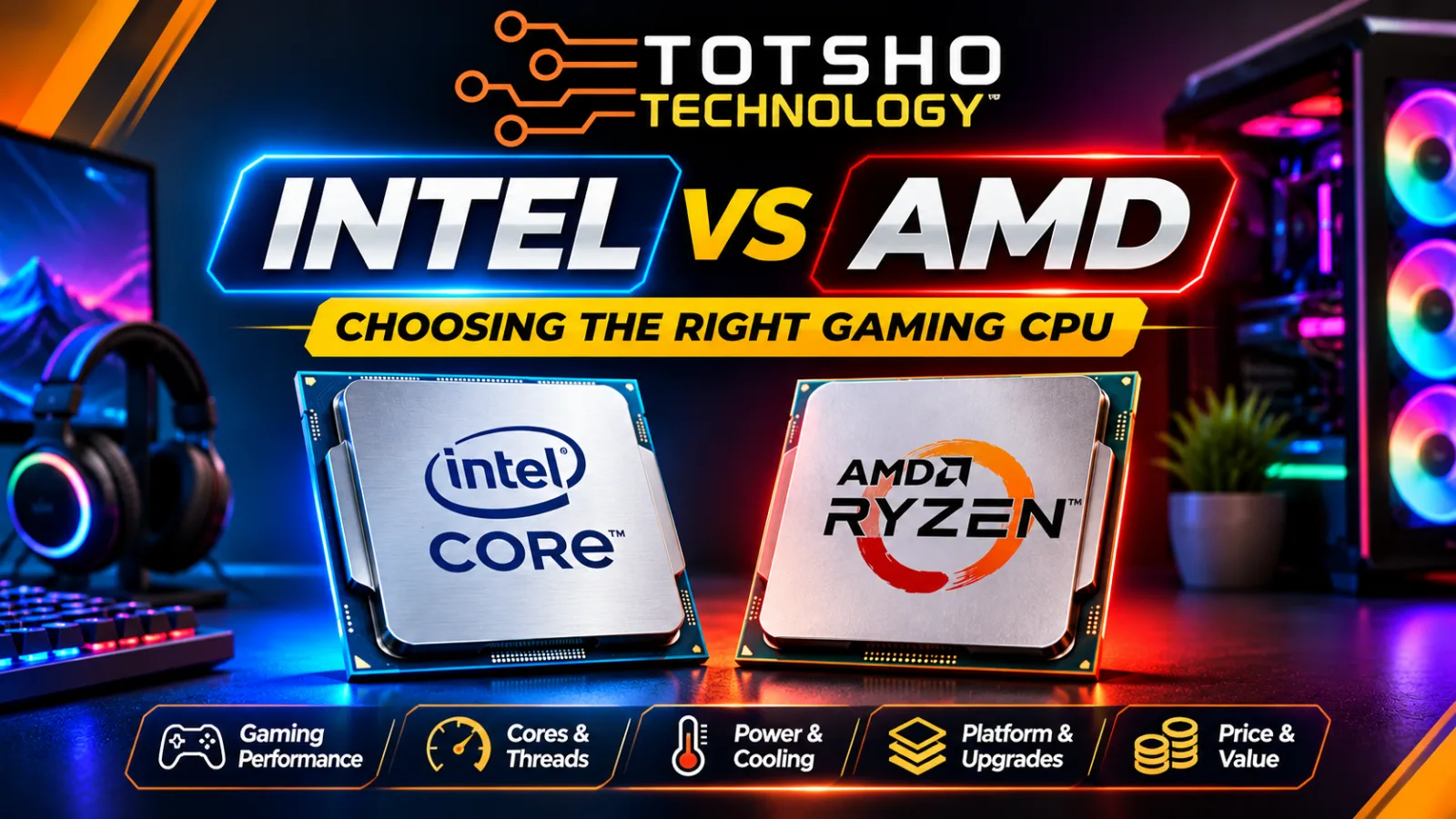
Intel vs AMD: Which CPU Should You Choose for Your Gaming PC in 2026?
Choosing the right processor can make a big difference to your gaming experience. But should you buy Intel Core or AMD Ryzen?
Read article →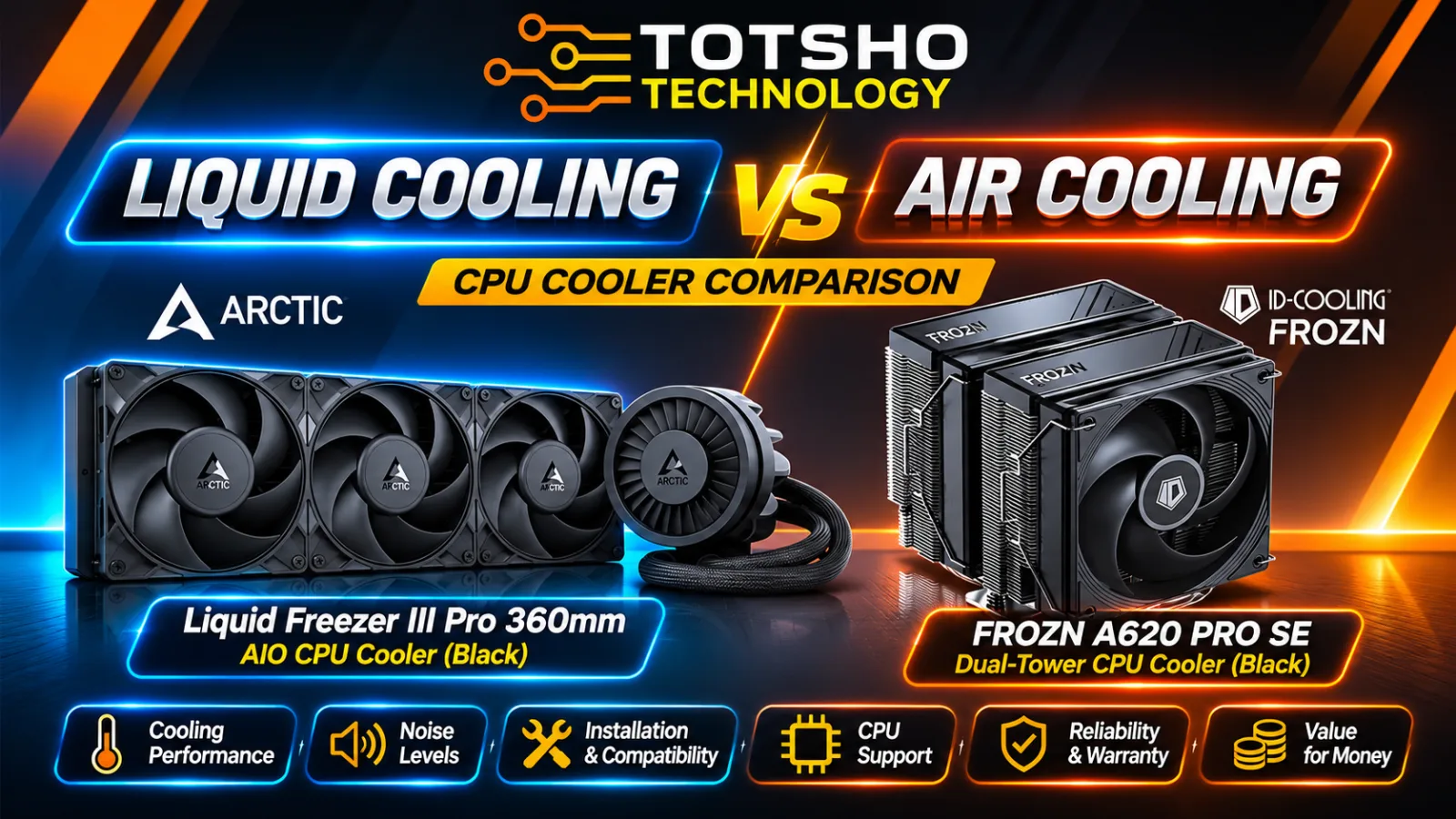
ARCTIC Liquid Freezer III Pro 360 vs ID-COOLING FROZN A620 PRO SE: Which CPU Cooler Is Better for Gaming?
When building a gaming PC, choosing the right CPU cooler is just as important as selecting the processor, motherboard and graphics card.
Read article →